第一步、切换root权限
切换root权限
sudo su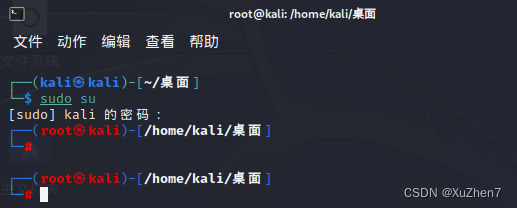
# 给root设置密码
passwd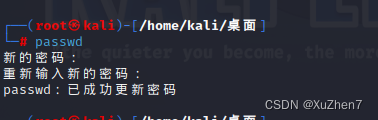
第二步:修改ssh配置文件
vim /etc/ssh/sshd_config
显示行号
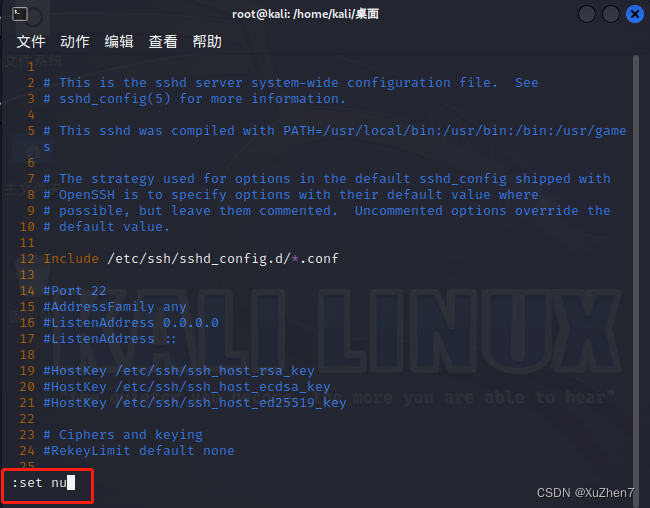
修改ssh项
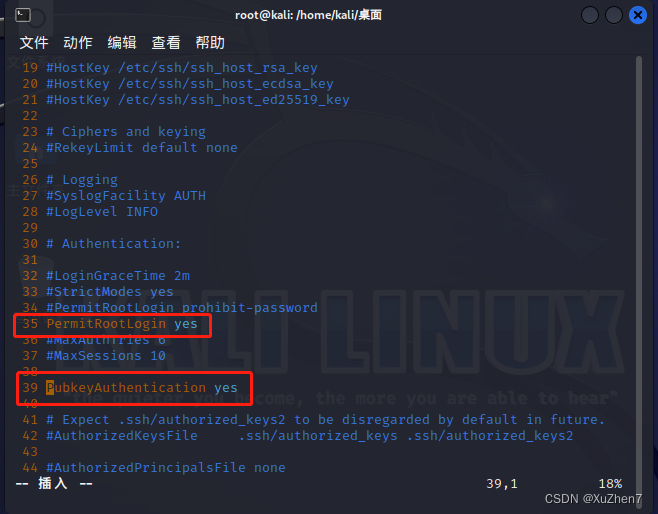
第三步、重启ssh服务,设置开机自启动,查看ssh服务状态
systemctl restart ssh && systemctl enable ssh && systemctl status ssh
最终结果: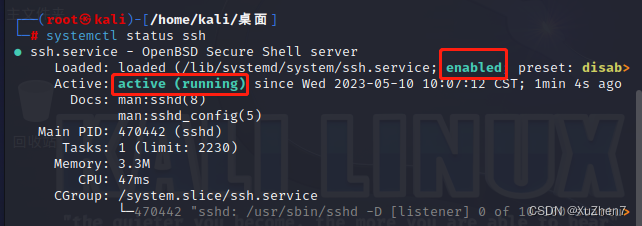
第四步:ssh连接kali
协议 用户名@ip地址
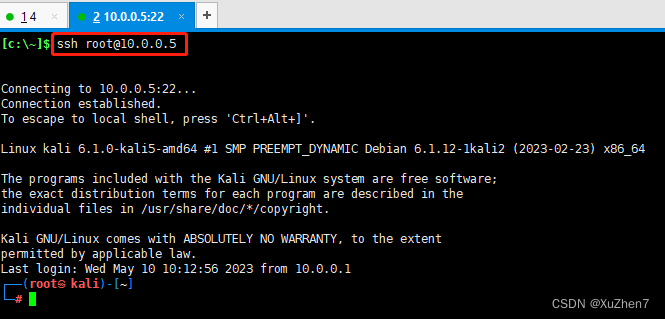
开机自动启动ssh命令
sudo systemctl enable ssh
关闭ssh开机自动启动命令
sudo systemctl disable ssh
单次开启ssh
sudo systemctl start ssh
单次关闭ssh
sudo systemctl stop ssh
设置好后重启系统
reboot
查看ssh是否启动,看到Active: active (running)即表示成功
sudo systemctl status ssh